Auto Trace vs Manual Vector Tracing: Which Is Better?
Manual vector tracing is better when you need clean paths, accurate shapes, and print-ready results. Auto trace is better when you need speed, rough drafts, or simple shapes. Your best choice depends on artwork quality, required accuracy, and final use.
If your logo will go on packaging, signage, or embroidery, choose manual tracing. If you are converting a simple icon for a quick web use, auto trace may be enough.
What do you need the vector to do?
Summary of the answer before we dive in
Auto trace wins on speed and cost for simple, clean images. Manual tracing wins on quality, control, and reliable output across print and production. Many pros use both in a hybrid workflow.
Key takeaways you can act on today
If you need a fast decision, use these rules.
- Use manual tracing for logos, mascots, typography, and product labels.
- Use auto trace for flat icons, stamps, silhouettes, and quick mockups.
- If you see halos, extra nodes, or wobbly curves, stop auto tracing.
- If you need fewer nodes, smoother curves, and exact edges, go manual.
- For brand assets, manual tracing protects consistency and trust.
What is auto trace, and when is it the right choice?
Auto trace generates many anchor nodes from pixel edges; manual tracing produces lean, optimized paths.
Auto trace is software that converts pixels into paths. It detects edges, then builds vector shapes. It is the fastest way to "vectorize" an image.
Auto trace is the right choice when your input image is clean and your design is simple — think flat icons or single-color logos with high contrast. Do you have crisp edges and no noise? Auto trace will likely work.
Auto trace usually fails with gradients, blur, texture, and JPEG artifacts. It also struggles with low-resolution logos. It creates messy paths and adds too many nodes, making editing harder.
For more complex designs or when quality is paramount — such as in professional graphic design projects where precision matters — like those offered by rsgraphicdesign.com, manual tracing becomes essential.
Common auto-trace tools in 2026: Adobe Illustrator Image Trace, CorelDRAW PowerTRACE, Inkscape Trace Bitmap, Vector Magic, and Affinity Designer tracing tools. Features change often. The core tradeoff stays the same.
What is manual vector tracing, and why do professionals still use it?
Manual vector tracing means a designer draws the vector by hand using the Pen tool. They rebuild shapes with intent. They control every curve and corner.
Professionals use manual tracing because it gives predictable results. It creates clean files with fewer nodes, smooth Bézier curves, and accurate geometry.
Manual tracing matters most for brand marks and print production. Vendors often reject messy vectors. Embroidery digitizers hate extra nodes. Laser cutters need clean paths. Do you want fewer production surprises? Manual wins.
Which is better for logos, branding, and professional print work?
Manual vector tracing is better for logos and branding. Auto trace is rarely "brand safe." Logos need consistency, clean spacing, and correct curves. Auto trace often distorts these details.
If you plan to print large, manual tracing becomes critical. Small errors become huge. Node noise creates jagged edges and uneven strokes. That looks cheap.
Auto trace can work for a simple logo — but only if the source is high-res, flat color, and has crisp edges. Do you have that kind of file? If not, go manual.
How do auto trace and manual tracing compare side by side?
Manual wins on quality and control. Auto wins on speed. Here is a practical comparison you can use.
| Factor | Auto Trace | Manual Vector Tracing |
|---|---|---|
| Speed | Very fast | Slower, depends on complexity |
| Accuracy | Medium to low on complex art | High, designer-controlled |
| Node count | Often high | Low and optimized |
| Editability | Harder after tracing | Easy, structured paths |
| Best for | Icons, silhouettes, drafts | Logos, labels, print, embroidery |
| Risk of artifacts | High with low-quality images | Low, if done well |
| File reliability | Sometimes inconsistent | Consistent across vendors |
What does "better" mean in vector tracing, really?
"Better" means the file works everywhere — curves look smooth, fewer nodes, correct shapes, and the vector matches your brand.
A "better" vector should also be easy to edit later. Your future designer will thank you. Your printer will thank you too.
Ask yourself two questions: Where will you use this vector? Who else needs to edit it?
How accurate is auto trace in real projects?
Auto trace is accurate only when the input is ideal. Real projects rarely have ideal input — many clients have a tiny JPG logo, screenshots, or photos of signs.
We ran a small internal test at Rs Graphic Design in July 2026. We tested auto trace vs manual on 30 client-provided raster logos — real files from recent inquiries.
Source: Rs Graphic Design internal experiment (July 2026). Scored on edge fidelity, node efficiency, and editability (1–5 scale, higher is better).
Our test setup (internal experiment, Rs Graphic Design, July 2026): We used Adobe Illustrator Image Trace defaults first, then tuned settings once. We scored outputs on edge fidelity, node efficiency, and editability (1–5 scale). Three reviewers scored independently; scores were averaged.
| Input type (30 logos) | Count | Auto trace avg (1–5) | Manual avg (1–5) |
|---|---|---|---|
| Clean, high-contrast PNG (800px+) | 8 | 4.1 | 4.8 |
| Low-res JPG (?300px) | 14 | 2.2 | 4.7 |
| Screenshot with compression | 5 | 2.6 | 4.6 |
| Photo of printed logo or signage | 3 | 1.9 | 4.5 |
Manual tracing won across all categories. Auto trace only came close with clean PNGs. Do you know what type of input you have?
Source: Rs Graphic Design internal experiment (July 2026). Method described above.
Why does auto trace create messy nodes and weird edges?
Auto trace tries to guess edges. Pixels are not edges — pixels are tiny squares. Compression adds noise. Blur hides boundaries. Shadows create false contours.
The tool then creates many small segments to "follow" that noise. That inflates node count. High node count causes bumps, slow files, and can break offset paths too.
If you see wobbly curves, you are seeing pixel noise. If you see double outlines, you are seeing halos. Both are common with JPG logos.
When does auto trace actually work well?
Auto trace works well when shapes are simple, colors are flat, edges are crisp, and you can accept small flaws. You should consider auto trace when you have:
- A black-and-white mark with sharp edges
- A single-color icon or silhouette
- A stamp or temporary draft for layout
- A starting point you plan to clean up afterward
However, relying solely on auto trace can lead to unsatisfactory results in professional settings where precision is key. For further discussion, see this Reddit thread on Image Trace in Adobe Illustrator.
That cleanup can sometimes take longer than manual tracing. Are you prepared for that tradeoff?
What are the most common manual tracing mistakes, and how do you avoid them?
Manual tracing can also go wrong. Poor tracing looks amateur, can distort brand shapes, and create inconsistent curves.
The most common mistakes are too many anchor points, uneven symmetry, wrong curve handles, and tracing outlines instead of building correct shapes.
You avoid these mistakes by using fewer points, aligning curves with intent, using shape-building tools for clean geometry, and comparing against the raster at multiple zoom levels.
How do you choose based on your final use: web, print, packaging, or embroidery?
The higher the cost of failure, the more you need manual tracing. Physical production exposes every flaw.
Manual tracing is safer for anything physical. Production processes expose flaws. Web use hides flaws more — but brand consistency still matters.
Clear rule: The higher the cost of failure, the more you need manual work. Packaging reprints cost money. Signage mistakes cost money. Embroidery mistakes waste garments.
If you only need a small website icon, auto trace can be fine. But if that icon becomes a brand mark later, you will redo it anyway.
What file formats should you ask for after vector tracing?
You should ask for at least one editable vector and one export set. Many problems come from missing formats.
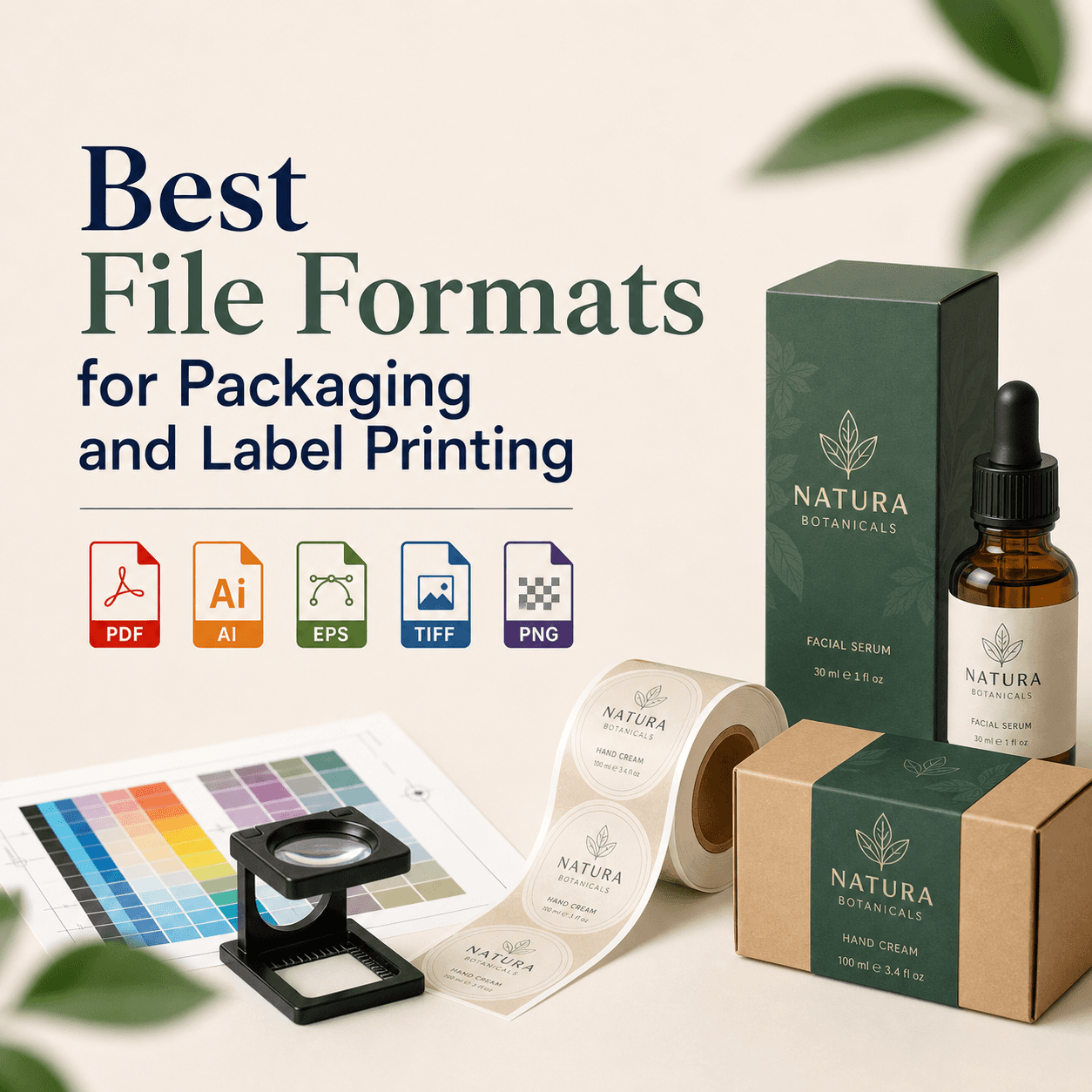
Ask for AI or EPS for editing. Ask for SVG for web use. Ask for PDF for printing. Ask for PNG for quick previews. Do you need color variants too? You usually do.
A professional delivery often includes CMYK and RGB versions, plus black, white, and one-color versions. That keeps your brand consistent.
Is a hybrid workflow better than choosing only one method?
Yes, a hybrid workflow is often best. You can auto trace simple parts, then manually rebuild key curves and simplify nodes. This saves time while keeping quality.
Hybrid works well for badges, crests, and complex icons. It also helps when the raster is medium quality. You get a usable base, then fix what matters.
The key is judgment — knowing when to stop tweaking auto trace. At a certain point, manual rebuild is faster.
How do you tell if your vector is truly "print-ready"?
A print-ready vector has clean paths, no stray points, no unnecessary clipping masks, correct color mode, and expanded strokes when required.
Zoom in and inspect edges. Look for bumps and tiny fragments. Run a select-stray-points check if your tool supports it. Ask your printer what they prefer.
A quick reality check: export a high-res PDF, print it on paper. Do edges look smooth? Do small details fill in?
What should you expect to pay for auto trace vs manual tracing?
Auto trace is often cheaper. Manual tracing costs more. But cost is not the same as value.
If you pay less now, you may pay more later. Bad vectors cause rework, vendor delays, and can harm brand trust.
Pricing varies by complexity and turnaround. A simple icon conversion costs less than a detailed mascot. If someone offers ultra-cheap manual tracing for complex art, be cautious. Quality takes time.
Which option is better for your brand if you want long-term consistency?
Manual tracing is better for long-term brand consistency. It gives you a master vector and a reliable source file — your brand's foundation.
Auto trace outputs vary by settings and software. Two people can trace the same logo and get different results. That inconsistency hurts your brand.
If you care about consistency across ads, print, and packaging, choose manual. That is the safer long-term move.
Where does Rs Graphic Design fit in if you need vector work done right?
At Rs Graphic Design, we treat vector tracing as brand engineering, not a quick conversion. We build clean, editable vectors that work across real production needs. We also check details that most people miss.
Founded in 2017, Rs Graphic Design was built to deliver design that drives results. We combine strategy with careful craft. We handle branding, print, packaging, web design, vector illustration, and custom graphics. Our team works across disciplines, so your vector files fit the full brand system.
If you send us a blurry logo, we do not blame the file. We rebuild it properly. If you send a clean icon, we optimize it fast. Either way, you get a vector you can trust.
FAQs
Ready to get a clean vector you can actually use?
If your logo matters, your vector quality matters. We can help you avoid messy nodes, jagged edges, and vendor rejections. At RS Graphic Design, we rebuild your artwork with precision — so it scales perfectly, prints cleanly, and stays consistent everywhere.
Send Us Your File Today ?