What File Format Do You Need for Printing? AI, EPS & SVG Explained
When preparing for a print job, it's essential to have a print-ready PDF from your designer. Printers prefer PDFs because they preserve fonts, colors, and layout. On the other hand, AI, EPS, and SVG files are mostly working files intended for editing and scaling.
Sending the wrong format can lead to font swaps, color shifts, and blurry prints. To avoid these issues, it's crucial to understand which file format to use. You can refer to this comprehensive guide from RS Graphic Design for quick assistance in choosing the right file type.
Summary
For most print jobs, you should request a PDF/X (often PDF/X-1a or PDF/X-4). It's also advisable to keep the editable source file handy. Use AI/EPS for vector logos and professional printing workflows, while SVG is primarily used for web applications, cutting machines, and modern workflows.
Key Takeaways
- Best overall for printing: PDF (prefer PDF/X).
- Best editable vector master: AI (Adobe Illustrator).
- Best "universal" vector exchange: EPS (older but still common).
- Best for web and some production tools: SVG.
- For photos: TIFF or high-quality JPEG, then export to PDF for print.
- Always confirm: bleed, CMYK intent, and embedded fonts.
What file format do printers usually want from you?
Most printers prefer a press-ready PDF. If the shop is conservative, ask for PDF/X-1a; if they support modern transparency, request PDF/X-4.
PDF works optimally because it locks your layout while embedding fonts. It can include bleed and supports high-resolution images. This format also avoids "missing link" issues.
If your printer requests AI or EPS files, it means they want edit access. This scenario is less common but may arise with signage, screen printing, and large-format shops.
To clarify your printer's preferences regarding file formats, you could send them this line:
"Do you prefer PDF/X-1a or PDF/X-4, with bleed and crop marks?"
Which format should you use for the most common print jobs?
Use the table below. It covers 90 percent of jobs.
Best file format by print job
| Print Job | Send This Format | Why |
|---|---|---|
| Business cards, flyers, brochures | PDF/X (usually PDF/X-1a or PDF/X-4) | Stable layout, embeds fonts, handles bleed |
| Posters and large format | PDF/X + linked images at final size | Predictable output, fewer surprises |
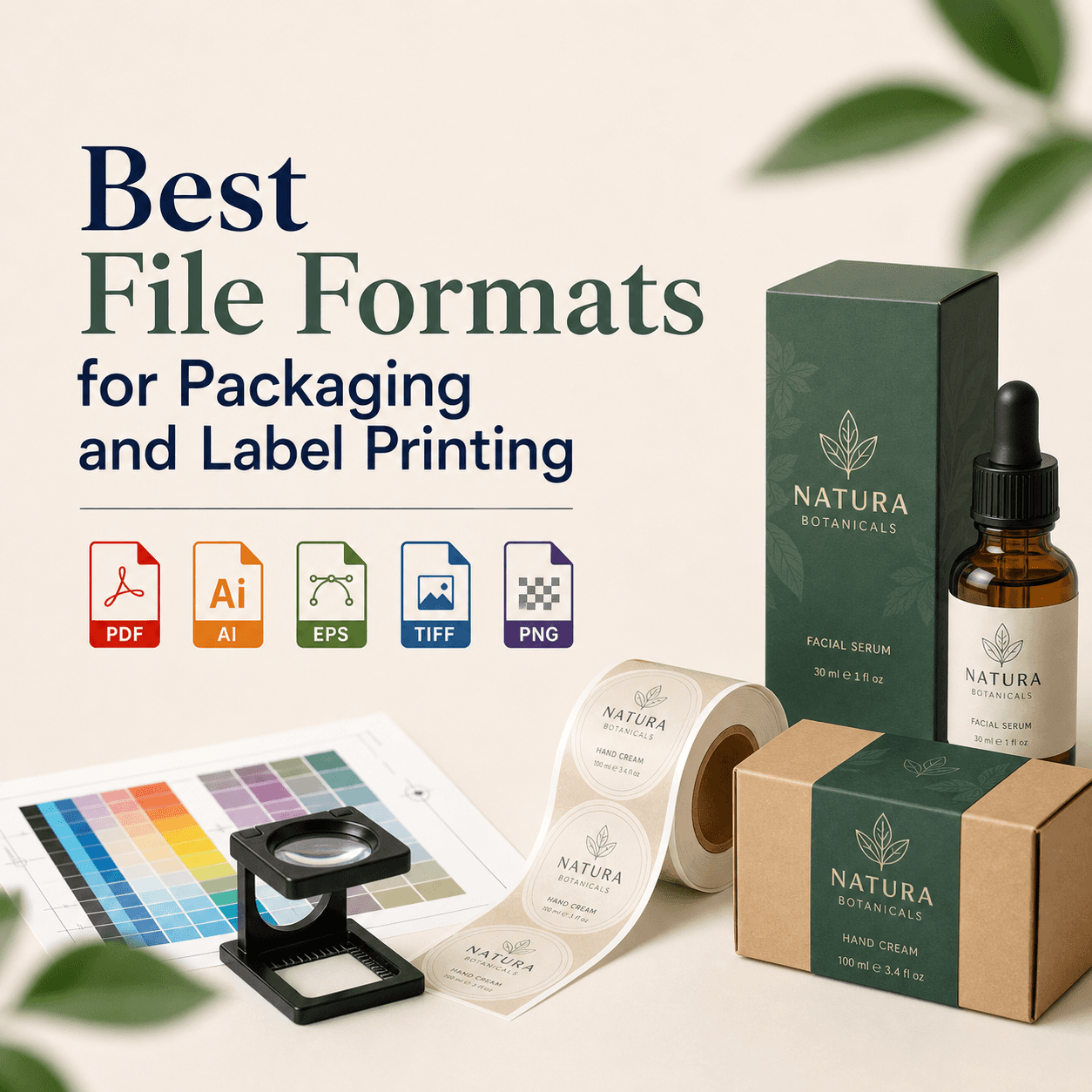
| Packaging and labels | PDF/X-4 (often) + dieline on separate layer | Supports transparency and layers |
| Logo printing (any size) | Vector PDF or AI or EPS | Infinite scaling, sharp edges |
| Screen printing | AI or PDF with spot colors | Spot separations matter |
| Embroidery | AI/EPS/PDF (vector) + color notes | Digitizers prefer clean vector shapes |
| Cut vinyl / plotter | SVG or EPS or AI (depends on software) | Paths drive the blade |
Do you need AI, EPS, or SVG for printing?
Not usually. You need them when you must edit or scale cleanly. You also need them when production requires vector paths.
Here is the simplest rule:
- If you want to print a design once ? use PDF.
- If you want to reuse it everywhere ? keep the vector master.
So yes, you should still store AI/EPS/SVG. You just do not send them by default.
What is an AI file, and when is it the right choice?
An AI file is Adobe Illustrator's native format. It is the best editable vector source.
Use AI when you need:
- Perfect logo scaling.
- Easy color edits.
- Clean outlines for cutting.
- Reliable spot color setups.
AI also stores artboards, layers, and effects. It is great for agency workflows. It is not always great for printers without Adobe tools.
What is an EPS file, and why do some printers still ask for it?
An EPS is an older vector exchange format. Many print and sign shops still use it. Legacy RIP systems often handle EPS well.
EPS is useful when:
- Your vendor uses older workflows.
- You need a widely accepted vector file.
- You need spot color vectors for output.
EPS can be limiting. It may flatten transparency. It may not preserve modern effects well. It is still strong for simple logos and icons.
What is an SVG file, and can it be used for printing?
An SVG is a web-first vector format. It scales perfectly. It is lightweight. It is excellent for responsive screens.
SVG can work for printing when:
- Your printer supports it.
- You use cutting tools like Cricut.
- Your workflow uses modern vector apps.
But many commercial printers do not accept SVG. Some will open it wrong. Some will convert it badly.
Which is better for printing — vector or raster?
Vector is better for sharp edges. Raster is better for photos. You will often use both in one file. A brochure might use vectors for text and rasters for photos.
A simple decision rule you can remember
- Logos, icons, text-heavy art ? vector.
- Photos and textures ? raster.
What resolution do you need for printing (and what is "300 DPI" really)?
You usually need 300 PPI at final print size. Many people call it 300 DPI. For images, PPI is the correct term. If you upscale a small image, quality drops fast. A 1000px image will not print as a sharp poster.
Typical resolution targets
| Print Type | Target Resolution at Final Size | Notes |
|---|---|---|
| Magazines, brochures, cards | 300 PPI | Standard for close viewing |
| Posters (viewed up close) | 200–300 PPI | Depends on distance |
| Banners (viewed from far) | 72–150 PPI | Distance hides pixels |
Should your print files be CMYK or RGB?
For printing, your final file should usually be CMYK or CMYK-intent. Many printers convert RGB anyway, and that conversion can shift colors. RGB looks brighter on screens, while CMYK matches ink limits.
It's also beneficial to understand the FOGRA characterization data, which outlines EU print standards.
What bleed and trim do you need for printing?
You usually need 3 mm bleed in many regions. In the US, 0.125 inch bleed is common. This bleed prevents white edges after trimming, as trim cuts are not perfect and tend to drift slightly.
Also add a safe margin to keep text inside it. A common safe margin is 3–5 mm. It's advisable to ask your printer for their template. Templates remove guesswork and ensure proper preparation of files as suggested by this source.
Do you need crop marks and registration marks?
Crop marks help the printer cut accurately. Some shops want them, while others do not. Registration marks matter for multi-color alignment and are more common in pro press workflows.
If your printer does not specify, export a PDF with:
- Bleed
- Crop marks
- No extra marks unless requested
What about fonts: embed, outline, or include separately?
For print delivery, the safest option is embed fonts in PDF. That keeps text editable and accurate. Outlining fonts can prevent missing font errors. But it makes text uneditable. It can also bloat files.
If you send AI or EPS, you may need to:
- Package fonts, if licensed.
- Outline only final text, if required.
If you are printing internationally, embedding avoids surprises.
What format should you use for logos to guarantee sharp printing?
Use a vector master. That means AI or EPS. A vector PDF also works well. Avoid PNG for logos in print. PNG is raster. It can look soft. It also cannot be scaled safely.
Our original test data: which formats local printers accepted (2026 mini survey)
We ran a small acceptance check in 2026. We contacted 18 print providers. They included quick print, large-format, and packaging vendors. We used email and website upload checks. We asked one question: "What file formats do you accept for print-ready artwork?"
How to interpret this: PDF is safest. EPS is still widely accepted. SVG is improving but not universal.
Data source: RS Graphic Design internal outreach log (April 2026). This is not a paid study. It reflects vendor replies at that time.
What is the safest export setting you can use for most printers?
Use PDF/X with bleed. Keep images high resolution. Embed fonts. Convert critical blacks properly.
Quick export checklist
- Export as PDF/X-1a (safe) or PDF/X-4 (modern).
- Add bleed and keep text inside the safe zone.
- Use CMYK intent and embed profiles when possible.
- Embed fonts and avoid system font reliance.
- Check overprint and rich black settings.
If you are unsure, choose PDF/X-1a. It flattens many risks. It is still widely accepted. For more detailed guidance on preparing files for print, refer to this Adobe community post.
How do you avoid blurred prints when you export from Canva or similar tools?
Export a PDF Print file. Enable crop marks and bleed if available. Avoid PNG exports for print. Also check element quality — stock photos can be low resolution. Canva warns you sometimes. You should still verify.
If your design uses a logo, upload a vector logo. A PNG logo will blur on cards and packaging.
What format should you send for packaging and dielines?
Send PDF/X-4 with layers if your printer supports it. Put the dieline on a dedicated layer. Set it as a spot color named clearly, like "DIELINE." Also provide a flat preview PDF — that helps approvals.
Packaging is less forgiving than flyers. Small misalignments can ruin a run. When dealing with packaging files, it's crucial to understand how to manage output intents in PDFs effectively. This Adobe guide provides valuable insights on that topic.
FAQs
Ready to send the right files without print surprises?
If you want your print to match your brand, we can help. At RS Graphic Design, we prepare press-ready PDFs, clean vectors, and production-safe packaging files. Send us your project specs, and we will deliver files your printer can run with confidence.
hello@rsgraphicdesign.com