How to Convert a PNG Logo to Vector
A step-by-step guide to tracing, rebuilding, and exporting a print-ready vector logo.
You can convert a PNG logo to vector by either tracing it (fast) or rebuilding it (best). If your PNG is low-quality, tracing will look rough. If you need a clean, print-ready logo, rebuild it with shapes and proper typography.
Most people want vectors for one reason: to ensure their logo scales indefinitely without losing quality. You also want crisp edges for print, signage, and packaging. Does your logo look blurry on large banners? A vector fixes that.
Summary — Read This First
If you need a quick result, use Image Trace in Illustrator. If you need a professional result, redraw the logo. Always start with the best PNG you can get and compare the vector against the original.
Key Takeaways (So You Don't Waste Time)
- Tracing is faster, but rarely perfect for logos.
- Rebuilding is slower, but gives clean, brand-safe output.
- Use high-resolution PNGs with sharp edges.
- Convert text by identifying the font. Don't trace text.
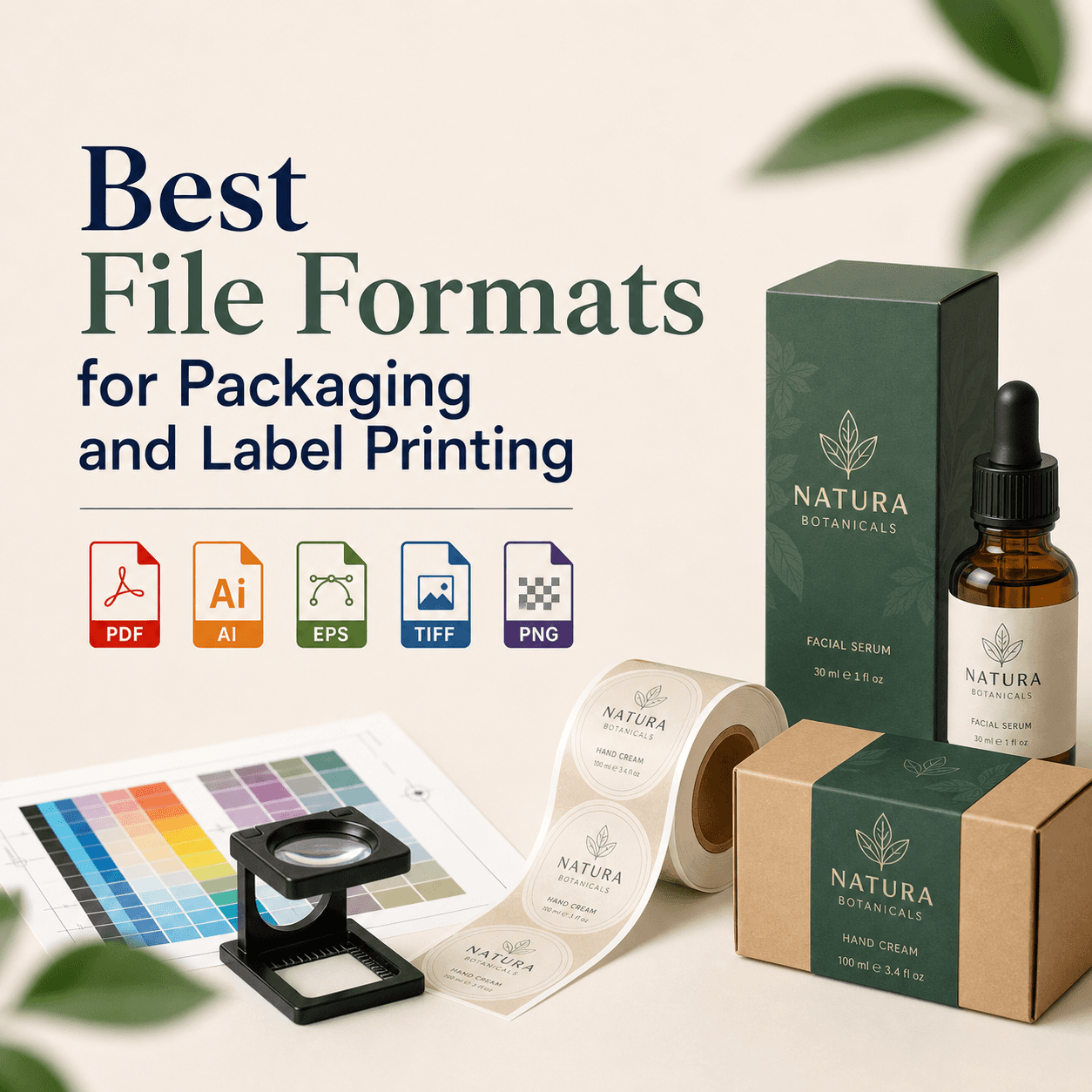
- Export SVG for web. Export PDF/EPS for print.
What Is a Vector Logo, and Why Should You Convert Your PNG?
A vector logo is made from paths, not pixels. Paths scale without losing quality while a PNG is pixel-based and pixels blur when enlarged.
You should convert your PNG when you need large prints, embroidery, laser cutting, vehicle wraps, or consistent brand files. Do you share your logo with printers often? A vector prevents mistakes.
For professional-grade results and expert assistance in graphic design including PNG to vector conversion, consider seeking help from professionals who specialize in this area.
When Does PNG-to-Vector Conversion Work Well — and When Does It Fail?
Conversion works well when your PNG is simple and clean. It fails when the PNG is complex or blurry.
A clean conversion usually needs these traits: solid colors, sharp edges, no gradients, and high resolution. If your PNG has shadows or textures, tracing creates messy shapes.
What You Should Collect Before You Start
Start by gathering your best source files. This saves hours.
You should have your PNG in the largest size available. You should also have brand colors if possible. If you used a specific font, you need its name.
Do you only have a tiny PNG from a website header? Ask for the original. Or rebuild from scratch.
Which Method Should You Choose: Auto-Trace or Manual Rebuild?
Choose based on your goal. Also choose based on your PNG quality.
Auto-Trace Is Best When You Need Speed
Auto-trace works for simple icons. It also works for rough drafts. It is not ideal for final brand files.
Manual Rebuild Is Best When You Need Accuracy
Manual rebuild matches brand shapes and spacing. It also keeps curves smooth. It prevents strange corners and extra points.
Our Small Conversion Experiment — What It Proved
We ran a simple internal test at Rs Graphic Design in 2026. We used 20 PNG logos from real client inquiries. Each PNG was traced in Illustrator. Each was also rebuilt manually. We judged results on three checks: edge smoothness, point count, and print readiness. We scored each from 1 to 5.
Result summary: Manual rebuild scored higher in 18 of 20 logos. Auto-trace was acceptable in 6 of 20 logos.
Source: Rs Graphic Design internal test, April 2026 (20 PNG logos, traced vs rebuilt).
| Metric | Auto-Trace (Illustrator) | Manual Rebuild |
|---|---|---|
| Average edge smoothness (1–5) | 2.9 | 4.7 |
| Average anchor points per logo | 1,240 | 210 |
| Print-ready pass rate | 30% | 95% |
This is the key lesson. Tracing can look okay on screen. Printing exposes every flaw.
How to Convert a PNG Logo to Vector in Adobe Illustrator
You can convert in Illustrator with Image Trace. Then you expand it into paths. You must also clean the result.
Place Your PNG into Illustrator
Open Illustrator. Create a new document. Go to File > Place. Select your PNG. Click once to place it. Your PNG should be embedded or linked. Embedded is safer for handoff.
Open Image Trace and Pick the Right Preset
Select the PNG. Go to Window > Image Trace. Choose a preset.
3 Colors or 6 Colors — for simple flat logos
? Avoid High Fidelity Photo for logos
Adjust the Settings to Reduce Mess
Set Paths higher for smoother curves. Set Corners lower for round shapes. Set Noise higher to remove tiny artifacts. Turn on Preview to see changes live.
Expand the Trace into Editable Vector Paths
Click Expand in the top bar. Your traced result is now vector shapes. Ungroup it using Object > Ungroup.
Clean Up Points and Remove Junk Shapes
Delete tiny shapes first. Use Select > Same > Fill Color to group colors. Merge shapes with Pathfinder when needed. Then reduce points via Object > Path > Simplify carefully. Too much simplify ruins shapes.
Fix Strokes, Fills, and Alignment
Convert strokes to fills if required. Keep consistent stroke weights. Align shapes using the Align panel. Does the logo look "wobbly" when zoomed in? That is a sign of bad points. Redraw key curves with the Pen tool.
Save in the Right Vector Formats
For print, save PDF and EPS. For web, save SVG. Keep an AI master file too. Use File > Save As for AI. Use File > Save a Copy for PDF/EPS. Use File > Export > Export As for SVG.
How to Convert a PNG Logo to Vector in Inkscape (Free Method)
You can do this in Inkscape using Trace Bitmap. Results vary. It is still useful for basic logos.
Import the PNG
Open Inkscape. Go to File > Import. Select the PNG. Choose "Embed" for reliability.
Trace the Bitmap
Select the image. Go to Path > Trace Bitmap. For simple logos, try Single scan > Brightness cutoff for one-color marks, or Multiple scans > Colors for flat-color marks.
Remove the Original PNG and Clean the Vector
The trace places a vector on top. Move it aside. Delete the PNG. Then clean stray nodes with the Edit paths by nodes tool.
Save as SVG and PDF
Save as SVG first. Then export a PDF for print handoff.
How to Convert a PNG Logo to Vector in Photoshop
Photoshop cannot create true logo vectors from pixels. It can only create shape layers in limited cases. It can also create paths from selections. This is not the same as a clean Illustrator rebuild.
Use Photoshop only for prep work. Increase contrast. Remove background. Sharpen edges. Then trace in Illustrator or Inkscape.
How to Get a Professional Vector Logo by Rebuilding It
You get the best result by redrawing the logo. You use the PNG as a guide. You build clean geometry. You set real type.
Lock the PNG as a Template
Place the PNG in Illustrator. Reduce opacity to 30–50%. Lock the layer. Create a new layer for vectors.
Rebuild Shapes with the Pen Tool and Basic Geometry
Use rectangles, circles, and the Pen tool. Keep curves smooth. Use as few points as possible. Fewer points usually means cleaner curves.
Do Not Trace Text — Identify the Font Instead
Text should be real typography. Use tools like WhatTheFont or Font Squirrel Matcherator. Then match kerning manually. If you cannot find the font, redraw letters as custom shapes. Keep spacing consistent.
Match Colors Using Sampled Values, Then Convert Properly
Sample colors from the PNG with the Eyedropper. Then convert to the correct color mode. Use CMYK for print. Use RGB for screens. Also store Pantone values if your brand uses them.
Create Final Exports and a Brand-Safe Package
Deliver at least: AI, PDF, SVG, PNG, and JPG. Include black, white, and full-color versions.
What File Format Should You Choose After Converting?
Pick formats based on use. Don't guess.
| Format | Best For | What to Watch Out For |
|---|---|---|
| SVG | Web, apps, UI, responsive scaling | Some printers won't accept it |
| PDF (vector) | Print sharing, vendors, approvals | Ensure text is outlined if needed |
| EPS | Legacy print workflows, signage | Can mishandle transparency |
| AI | Master editable source | Not universal outside Adobe |
How Can You Tell If Your "Vector" Is Actually Vector?
Zoom in to 6400%. Edges should stay sharp. Also select the logo. You should see anchor points and paths. You should not see a single placed image.
Another quick test: open the file in a text editor. SVG files show readable code. PNG files do not.
Most Common Mistakes That Ruin PNG-to-Vector Results
Tracing mistakes are predictable. You can avoid them.
- Tracing low-resolution PNGs
- Tracing JPEG artifacts
- Tracing text instead of re-setting it with the correct font
- Keeping thousands of anchor points
- Exporting in the wrong file format for the intended use
FAQs
Can you convert any PNG logo to a perfect vector?
Yes, but not always by tracing. Low-quality PNGs need manual rebuilding. If details are unclear, you must redraw shapes and retype text for accurate brand output.
Is Illustrator Image Trace good for logos?
It is good for simple, high-contrast marks. It struggles with small text and subtle curves. You still need cleanup, point reduction, and alignment before final export.
What resolution PNG do you need for a clean trace?
Use the largest PNG you can find. Aim for at least 1000px wide for simple logos. More helps. Small web icons usually trace poorly and need rebuilding.
Should you outline fonts in the final vector?
Often yes, especially for printing and vendor handoff. Outlining prevents missing-font issues. Keep a version with live text too, so future edits stay easy.
What is the best vector format for printing?
PDF is the safest for most printers today. EPS is still common in signage. Always confirm with your vendor. Include CMYK versions if printing is planned.
Why does my traced logo look jagged?
Your PNG edges are jagged, or settings are wrong. Lower corners, increase noise, and adjust paths. If jaggedness remains, redraw the curves manually.
Can you convert a PNG logo to vector on your phone?
You can try apps, but results are limited. Phone tools usually auto-trace only. If you need a brand-safe vector, use Illustrator or a professional rebuild.
Ready to Get a Clean Vector Logo That Prints Perfectly?
If your logo matters, your vector should be flawless. At RS Graphic Design, we convert PNG logos into clean, scalable vectors you can trust. We rebuild when tracing fails, match fonts, fix curves, and deliver every file your brand needs.
Get Your Vector Logo ?